
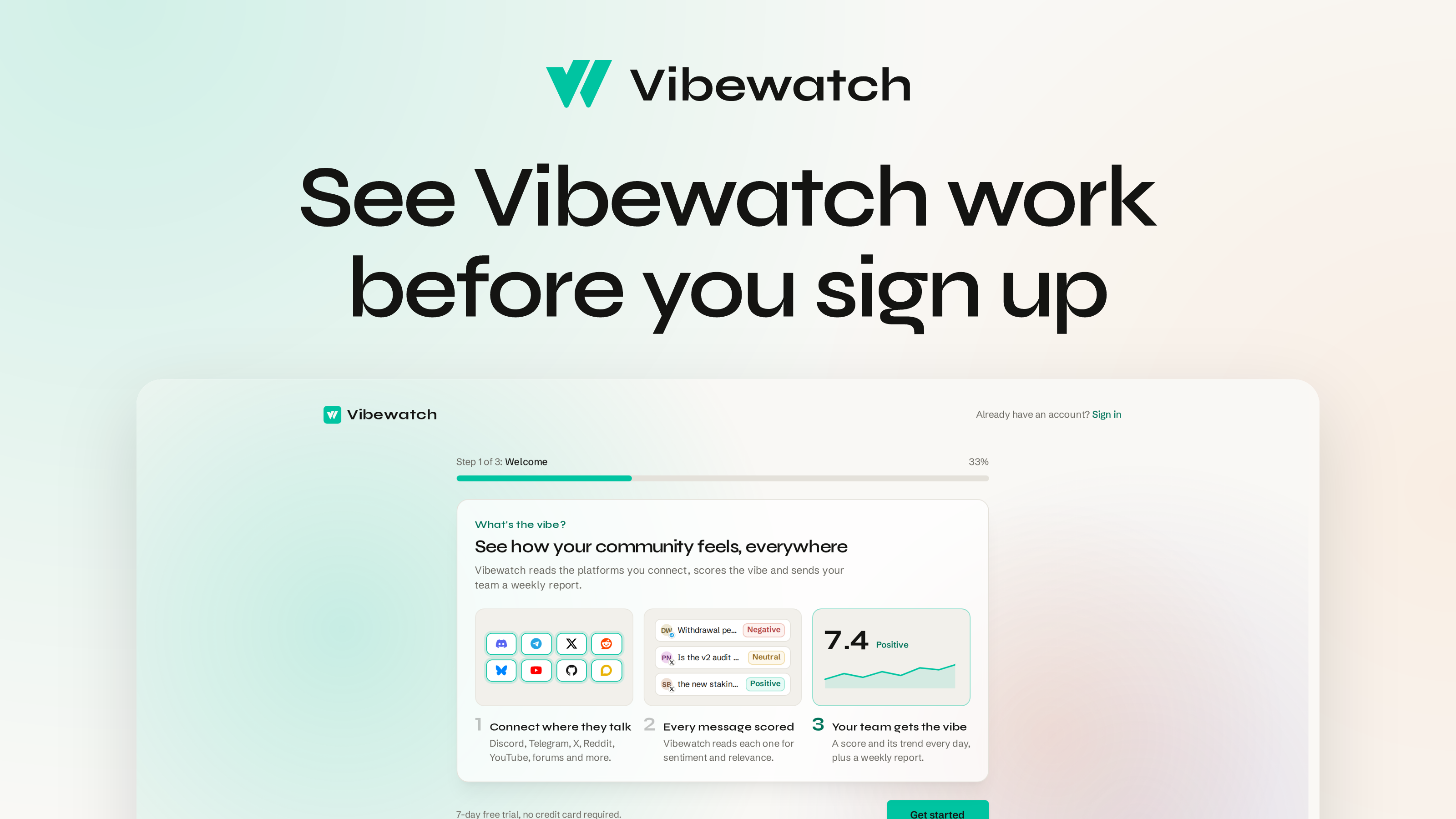
You can see Vibewatch work before you sign up now: its first screen lays out what it reads and how it scores, and the account step after it emails you a code instead of asking for a password.
New
- A new way in. Like last week, this is all aimed at the first hour of a new account. Previously you met a password form, and nothing Vibewatch actually does until you were through it. The app now opens on a Welcome screen that walks the three steps — connect where your community talks, every message scored for sentiment and relevance, your team gets the vibe — with scored sample messages beside them. Then the account step emails you a code. This is the first part of a longer rebuild of the sign-up, and more of it lands in the coming weeks.
Improved
- The getting-started guide gets out of your way on a phone. The trial checklist sat open above your Community Sentiment card, so on a phone the score you came for was below the fold, and the header covered the top of the page as you scrolled to it. It collapses now, and the score is what you land on.
- Tapping a field on an iPhone no longer zooms the page. Safari zooms into any input under 16px, and several were — in settings, in the new sign-up, and on the page that authorizes an MCP client. Every field clears the floor now, so the page stays where you put it.
Fixed
- YouTube channels connected by their handle are collecting again. If you connected a channel as
@namerather than by its channel ID, the sync was being refused every time. The ID is resolved and stored once at connection now, and those channels have started collecting. - Signing up with Google says when it fails. A failed Google challenge left you looking at a page with nothing on it to explain why. It tells you now, and a sign-up that goes through Google hands you back where you started rather than to a stale error.
- Team accounts fills in its suggestions as the card opens. The list Vibewatch offers of likely teammates — from authors it has already seen — now loads with the card rather than after it.
- The Sign in link on vibewatch.io goes straight to the sign-in page.
- Plus: the integration cards in Getting started stay accurate once the first backfill finishes.