
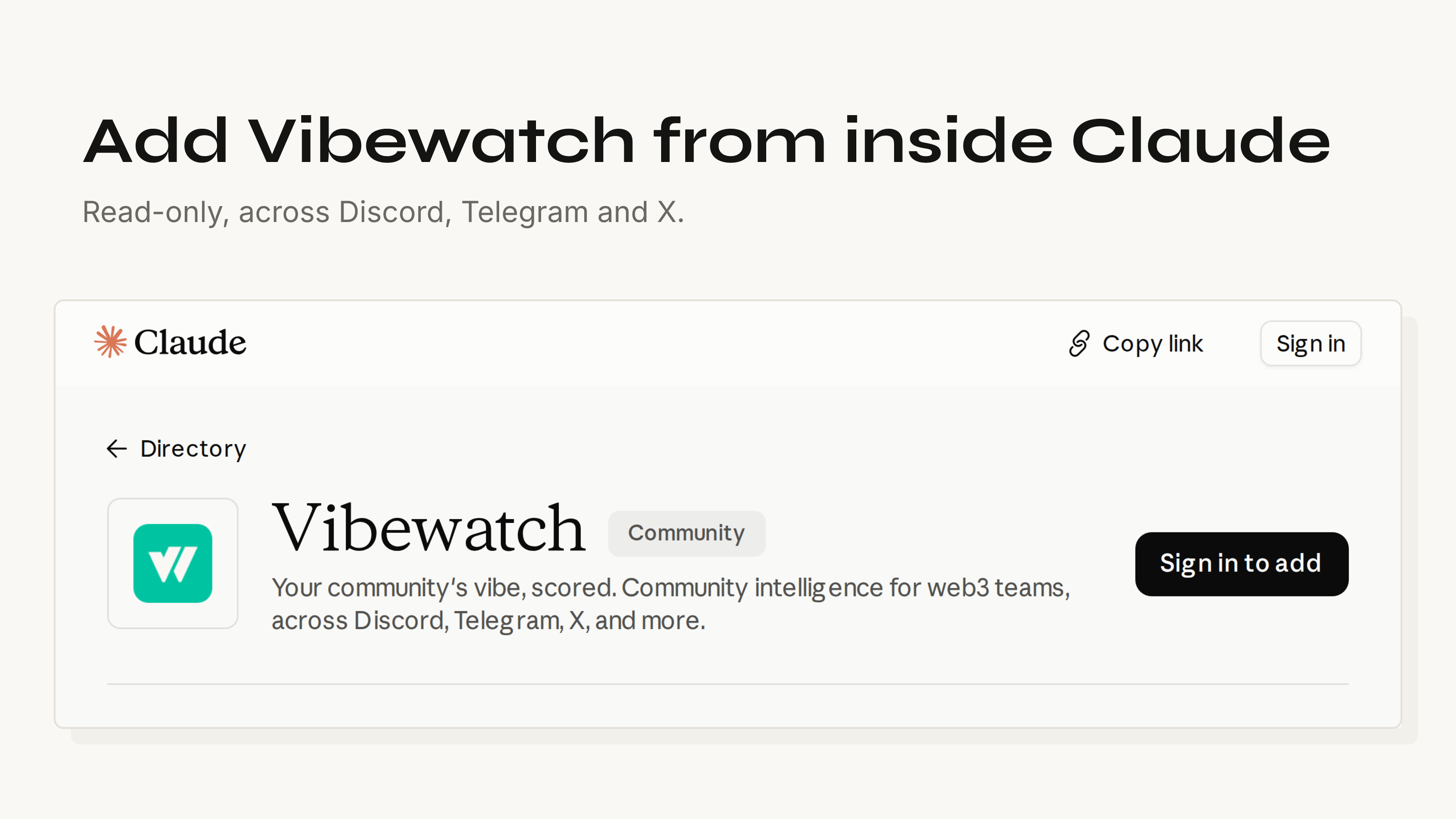
Claude can read your Vibewatch organization, from inside Claude. The connector is listed at claude.ai/directory/vibewatch, so adding it is two clicks there and no URL to paste. The custom-connector route still works if you prefer it, and the server address is at the bottom of this post.
The step people get stuck on is on our side, so it goes first.
Turn on MCP access in Vibewatch
Open Settings in Vibewatch and find the MCP Access card. An owner or an admin flips the switch. A member sees it, cannot change it, and gets a note to ask an admin.
It is on every plan. Nothing in Claude reaches your data until that switch is on, which is worth checking before you go looking for a problem in Claude.
Add it from the directory
On the listing, press Sign in to add. Claude asks you to sign in to Vibewatch and then to pick the organization it may read. That organization is the whole scope of the connection.
The directory is shared by claude.ai, the Claude desktop and mobile apps, and Cowork, so the connector is there in all of them once it is added in one.
The listing carries a Community label. Anthropic screens community connectors automatically rather than reviewing each tool by hand, and the label describes how closely Anthropic has looked at the connector, not what it can do once you connect it. Anthropic's own page on the labels is short and worth two minutes before you connect anything, ours included.
What to ask it
The connection earns its place on questions that need several days of messages behind them:
- What's the vibe in my community this week, broken down by platform?
- Our score dropped on Tuesday. What were people talking about?
- Find messages about pricing from the last 30 days that scored negative.
- Summarize the latest weekly report and tell me what is worth addressing.
- How does our sentiment compare with the market this week?
You never name a tool. Claude picks, and on a good question it picks several in a row. There are eight to pick from:
get_sentiment_overview— the composite score over a window you choose, split into positive, neutral and negative, and broken out by source. Where "how are we doing" lands.get_sentiment_timeseries— one point per day, plus the move from the first day to the latest. This is what turns "we dropped" into a date.search_messages— your collected messages, narrowed by platform, date, sentiment band, audience, author or keyword. Whatever caused the drop is in here.get_daily_insights— a day's highlights and lowlights, each one citing the message it came from, so Claude can quote a real line rather than paraphrase a feeling.get_reports— your weekly reports, TL;DR and Worth Addressing themes included.get_market_context— where your own score sits against the assets you track and the Fear & Greed Index. Useful when a community goes quiet and you want to know whether the whole market did.get_organization— which organization the connection resolves to, and whether collection is running.get_stacks_ecosystem_sentiment— the Stacks Vibe Index as published, which anyone can read without an account.
Where it is less useful is anything you could read off a screen in one glance. The score today, the last report, who posted most — the product shows those faster than a conversation does. The connection pays off when the question has a why in it, because answering that means pulling the trend, then the messages under the dip, then the report that covered the week, and stitching the three together.
Nothing it can change
Every one of those eight is a query. There is no ninth that posts, edits, deletes or changes a setting, and each one declares readOnlyHint: true in its annotations, which is the field Anthropic's scan reads on submission. Nothing from your conversation with Claude is written back to us either.
Signing in authorizes exactly one organization and every call resolves against it. Remove a member and their access goes on the next call. An org that never turned the switch on has nothing to connect to in the first place, which is the failure at the top of this post.
The Stacks tool is the one that reaches past your own community, so it is drawn tighter: composite score, components, counts and the opted-in leaderboard, and no message text, no quotes, no in-server authors. Those projects agreed to be scored on a public panel, and a score is what they agreed to. A full tool-by-tool read and what we store, for how long are both written down.
Claude Code, and everything else
If you signed in to Claude Code with the same claude.ai account, you already have it. Claude Code fetches the connectors on your account by itself; run /mcp and Vibewatch is in the list, marked as coming from claude.ai. There is nothing to install and no second sign-in.
That fetch only happens when a claude.ai subscription login is the credential in play. On a session running against an API key, Bedrock or another provider, the connector list is not loaded, and you add the server yourself:
claude mcp add --transport http vibewatch https://api.vibewatch.io/mcp/
Then /mcp to sign in. Do that on a subscription login as well and you have told Claude Code about the same endpoint twice: a server you add by hand outranks a claude.ai connector pointing at the same URL, so yours wins and the connector is hidden as a duplicate. No harm done, but the sign-in you complete is then a separate one. The same goes if you have already run our Buzz setup or installed the Claude Code plugin — Vibewatch is in there, and adding it again mounts the same tools twice.
Settings in Vibewatch mints API keys, three at a time, and prints ready-made configuration for Codex and Goose beside the Claude Code command. For a client that speaks stdio only, the vibewatch-mcp bridge on npm wraps the hosted server with the URL and the sign-in handled.
If you want to see the shape of the data before you connect anything to it, the demo org is open, needs no account, and is the same product the tools read.